
NimblyMail has first-class support for WordPress Multisite. Network-activate the plugin once and every sub-site inherits the network defaults you configure, with the option for site admins to override individual fields.
How Inheritance Works
Every setting resolves through a fixed precedence order. The first layer that defines a value wins:
- PHP constant in
wp-config.php(e.g.,NIMBLYMAIL_SMTP_HOST) — read-only everywhere on the network. - Network lock — a super admin has pinned this field so sub-sites cannot change it.
- Site override — this sub-site has explicitly set a value for this field.
- Network default — value configured under
Network Admin → NimblyMail → Settings. - Plugin default — the built-in fallback.
A freshly created sub-site has no overrides, so every field resolves to either the network default or the plugin default. As site admins or super admins set values, those values override the network defaults field-by-field.
What’s in the Network Admin
After network-activating NimblyMail, a top-level NimblyMail menu appears under Network Admin with three pages:
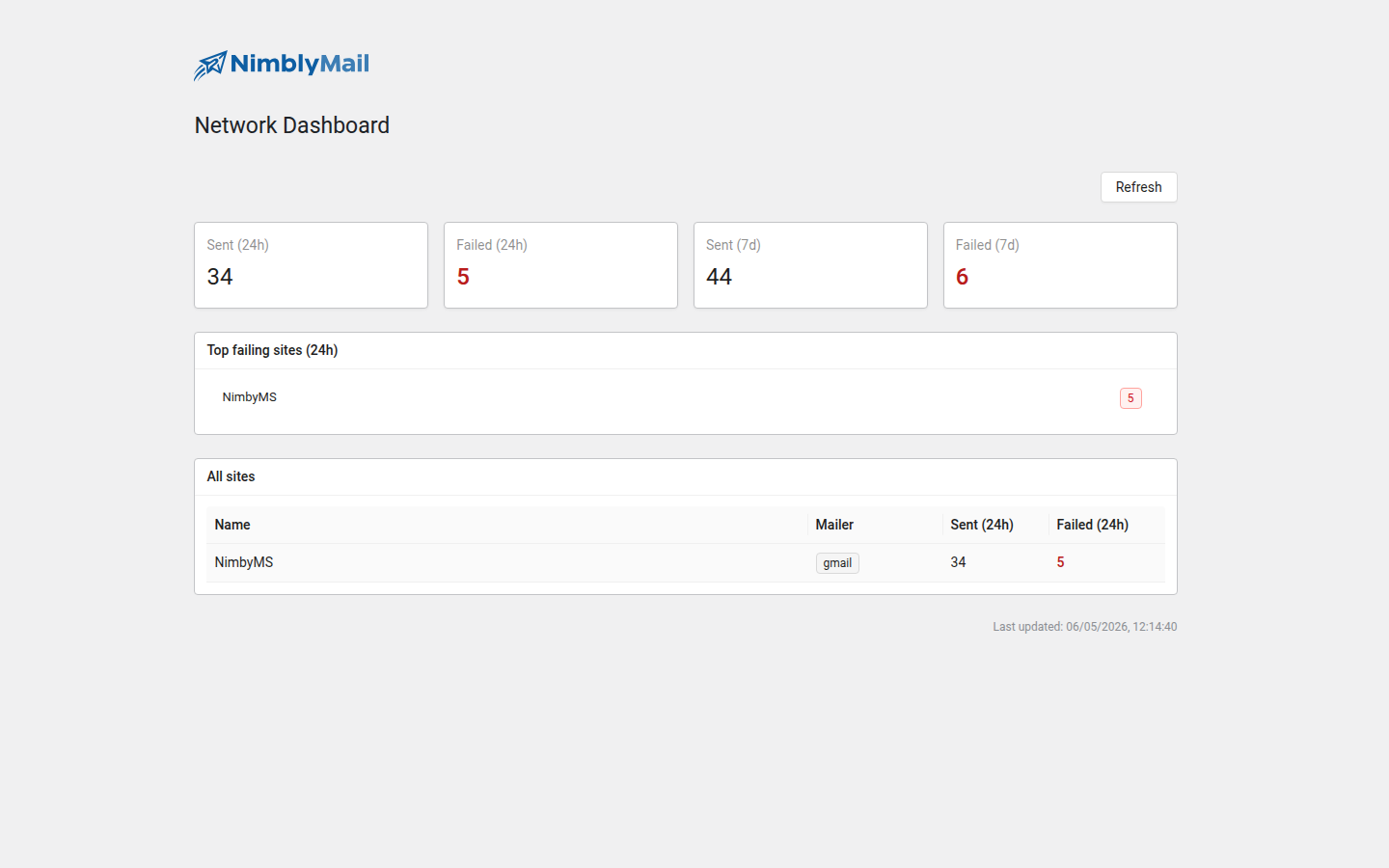
- Dashboard — aggregated delivery stats, top failing sites, and a per-site summary.
- Sites — a searchable table of every sub-site with its active mailer, override count, and a per-site override editor.
- Settings — the network-wide defaults that every sub-site inherits until it overrides a field.
Pages in This Section
Requirements
- WordPress Multisite (subdomain or subdirectory install works equally).
- Plugin must be network activated, not per-site activated.
- Super admin capability required for network-admin pages;
manage_optionsrequired for sub-site settings.