
Navigation: WP Admin → NimblyMail → Settings → Alerts
Failure Alerts notify you by email whenever a delivery attempt fails. Alerts are sent via PHP’s native mail() function, which bypasses the configured NimblyMail transport entirely — this prevents an infinite alert loop if the mailer itself is broken.
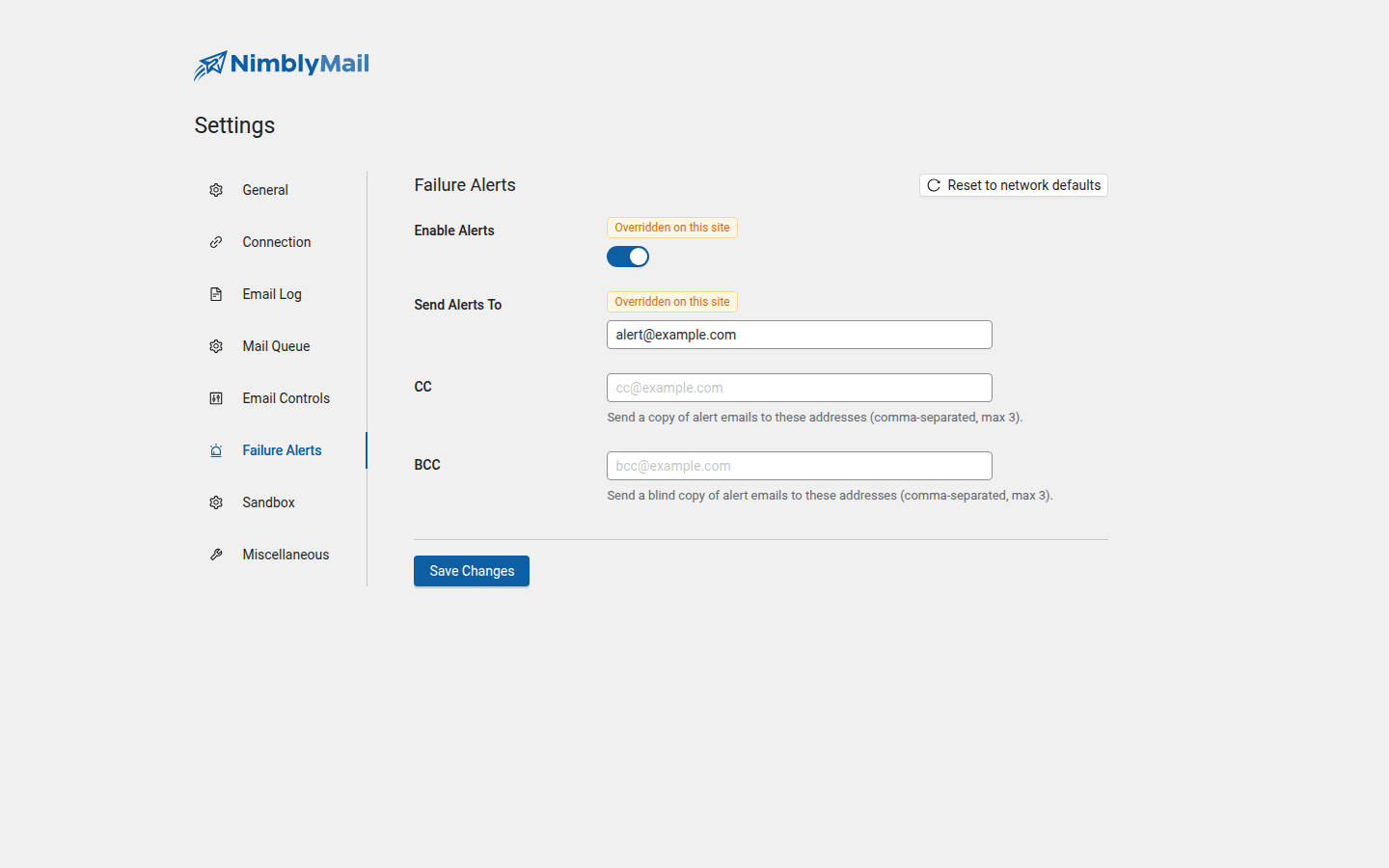
Fields
| Field | Description |
|---|---|
| Enable Alerts | Master toggle. Turn failure alert notifications on or off. |
| Send Alerts To | The primary recipient email address for alert notifications. Defaults to the WordPress admin email if left empty. |
| CC | Additional recipients to copy on alert emails. Comma-separated. Maximum 3 addresses. |
| BCC | Blind copy recipients. Comma-separated. Maximum 3 addresses. |
How Alerts Work
When wp_mail() fails, NimblyMail catches the failure and dispatches an alert using PHP’s native mail() function. Because the alert does not go through the NimblyMail transport, a misconfigured or broken mailer cannot prevent you from receiving the notification.
Each alert includes:
- The intended recipient of the failed email
- The subject line of the failed email
- The error message returned by the mailer
- The timestamp of the failure
- A direct link to the email log entry
Alerts are rate-limited to one notification per failure event to prevent flooding your inbox during outage periods.
Tip: Set Send Alerts To to an address you monitor closely — ideally one that does not depend on the same mail infrastructure you are routing WordPress mail through.